
Collect
Collect RSS and Atom feeds, Gmail newsletters, Wallabag saves, and media sources you want included in the digest.
Open-source and self-hosted
Run it on your own hardware with Docker. Ghostwriter produces EPUB digests, supports local transcription with whisper.cpp, and can optionally generate podcast episodes from the same material.
Workflow
Ghostwriter collects sources, prepares them for reading, and produces files you can keep and use locally.
Collect RSS and Atom feeds, Gmail newsletters, Wallabag saves, and media sources you want included in the digest.
Extract readable article text from web pages and preserve enough structure to produce useful EPUB output.
Choose whether a source should stay full-text or be summarized into a shorter briefing.
Build an EPUB digest, and optionally generate a podcast episode and private feed from the same material.
Features
These are features already available in the current Ghostwriter codebase.
Self-hosted
Ghostwriter is meant to be run on your own machine, NAS, server, or home lab with Docker. It does not require a hosted Ghostwriter service.
Inputs
The backend can combine web feeds, newsletter labels, saved articles, and transcribed media into one digest pipeline.
Reading modes
Each source can stay close to the original text or be condensed, depending on how you want to read it later.
Output
Generated digests are compiled into EPUB files that work well on phones, tablets, and e-readers.
Audio
Ghostwriter can turn digest content into narrated podcast episodes and publish them through a standard RSS podcast feed.
Transcription
Media items can be transcribed and included in the digest, with support for local whisper.cpp transcription and API-based fallback.
Self-Hosting
Ghostwriter is intended for self-hosting. That includes ordinary Docker setups, ARM devices, and Raspberry Pi deployments where keeping processing local matters.
Local first
You can run the service locally with Docker and keep feeds, schedules, tokens, and generated files in your own environment.
Raspberry Pi
The project documents a whisper.cpp binary override for ARM and Raspberry Pi environments so transcription can stay local on smaller hardware.
Transcription
Ghostwriter can use bundled or user-provided whisper.cpp binaries for local audio transcription, with OpenAI Whisper API available as an alternative.
Screenshots
These screenshots come from the current Ghostwriter web UI.
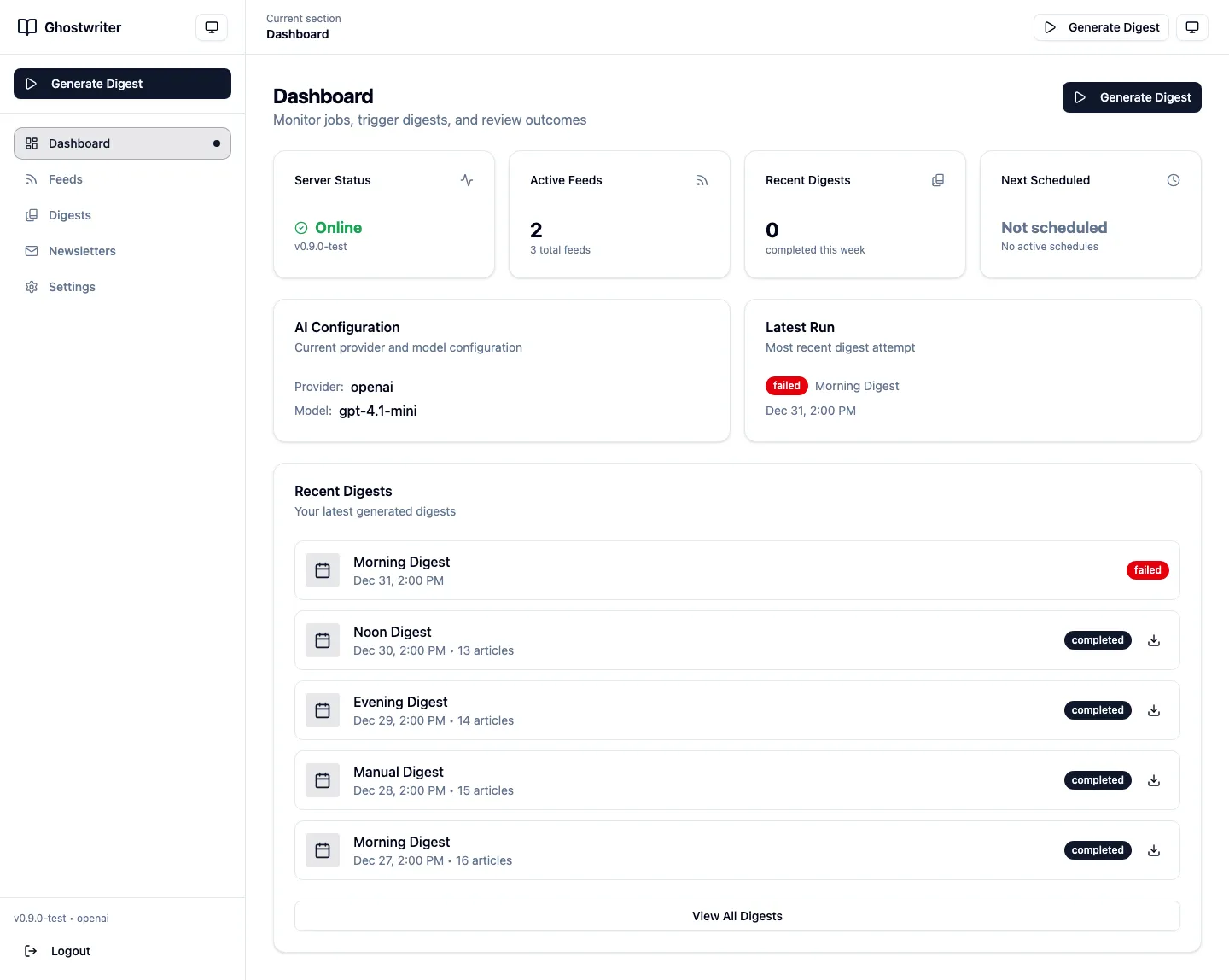
Overview of service status, recent activity, and generated digests.
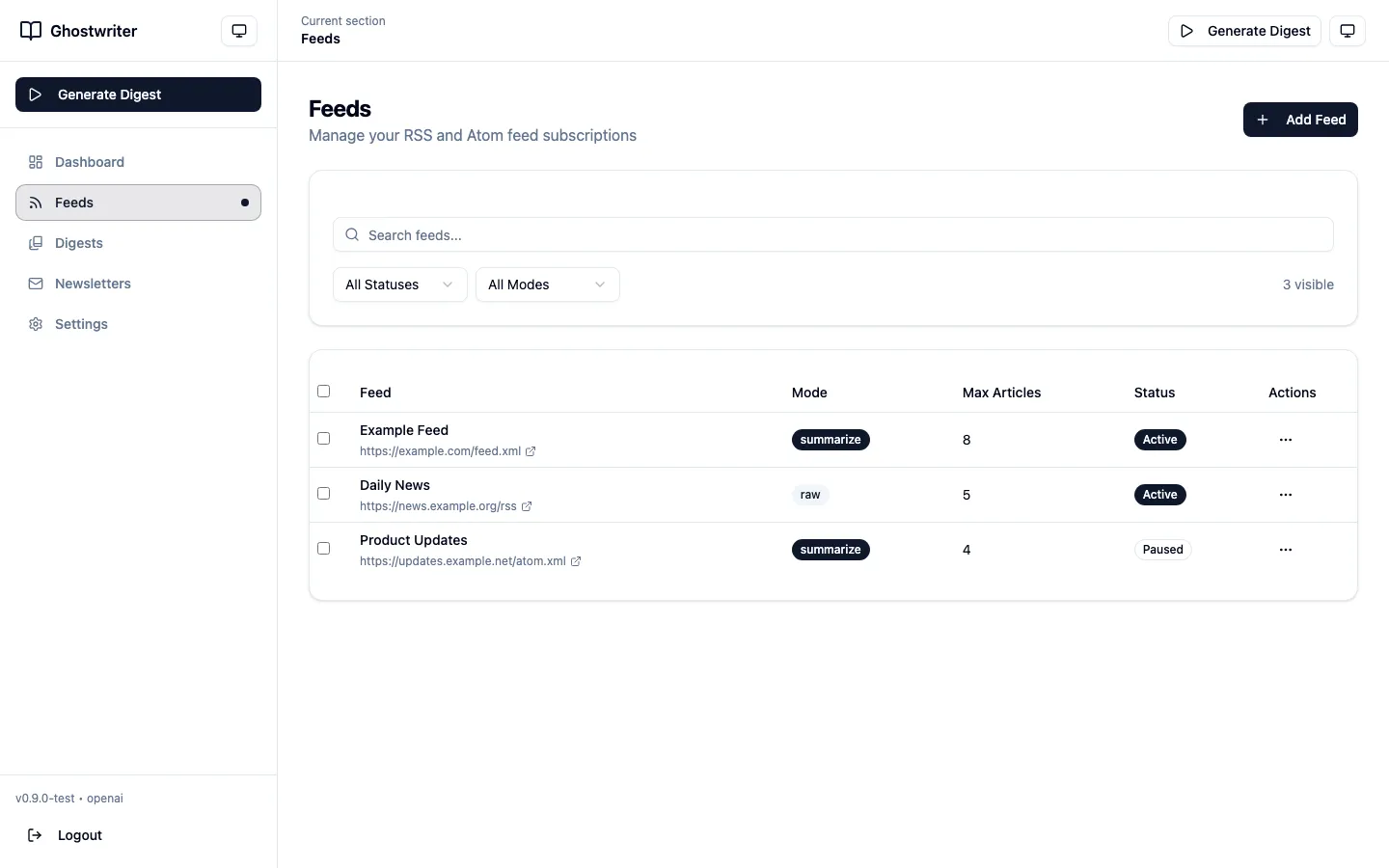
Manage feed sources and decide what should be part of the digest.
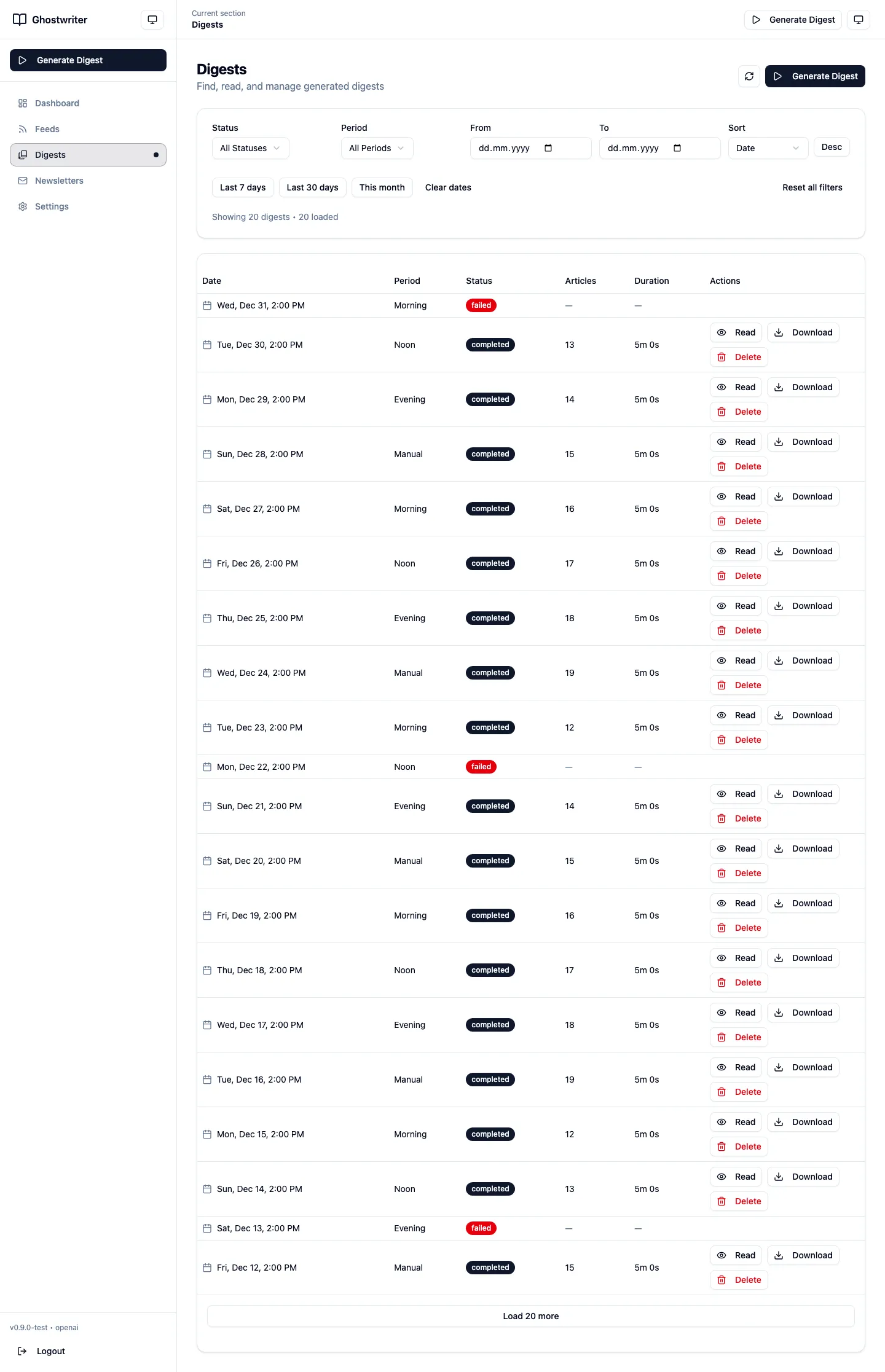
Review generated EPUBs and track previous digest runs.
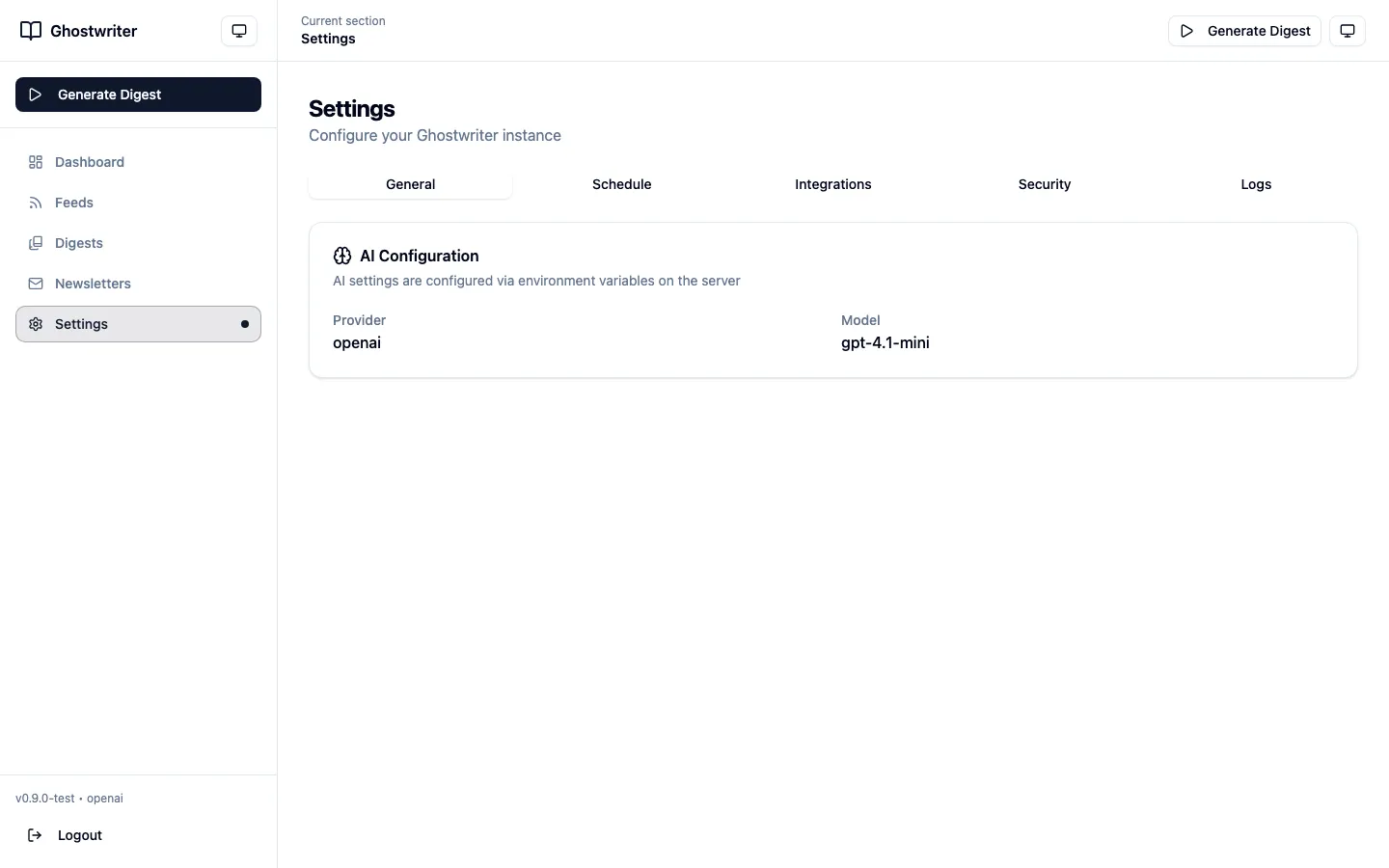
Configure schedules, providers, transcription, and API tokens.
Quick Start
The default setup is local and self-hosted. Cloud providers are optional, and local transcription is supported.
Copy the example environment file and choose the AI and transcription setup you want to use.
Run the Docker compose command, verify the health endpoint, then open the local web UI.
On first run, create the admin account and generate API tokens for any clients you want to connect.
cp .env.example .env
# choose an AI provider and transcription settings
docker compose up -d
curl http://localhost:8080/health
Adjust AI provider and transcription settings in the environment file before starting the stack.